All your business on one platform.
Simple, efficient, yet
affordable!
 US$ 24.90 / month
for ALL apps
Start now - It's free
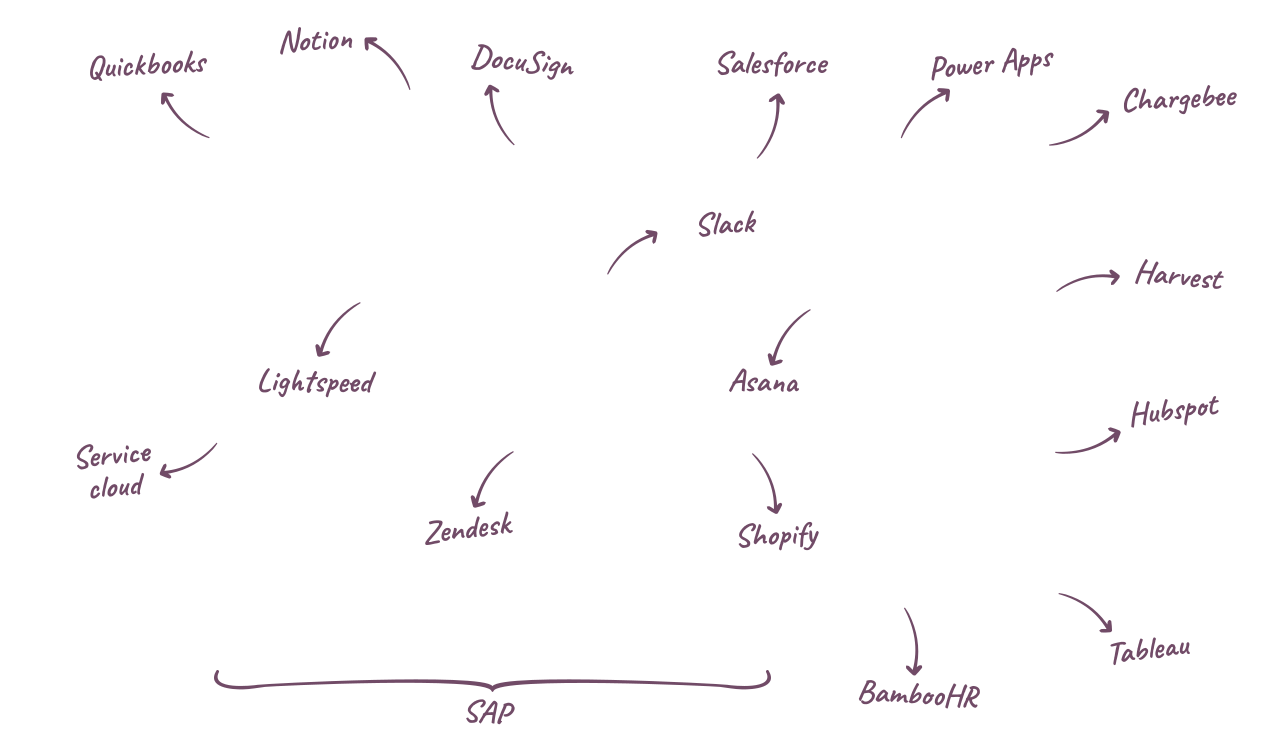



Imagine a vast collection of business apps at your disposal.
Got something to improve? There is an app for that.
No complexity, no cost, just a one-click install.
Each app simplifies a process and empowers more people.
Imagine the impact when everyone gets the right tool for the job, with perfect integration.

- Bill McDermott, former CEO of SAP

Optimized for productivity
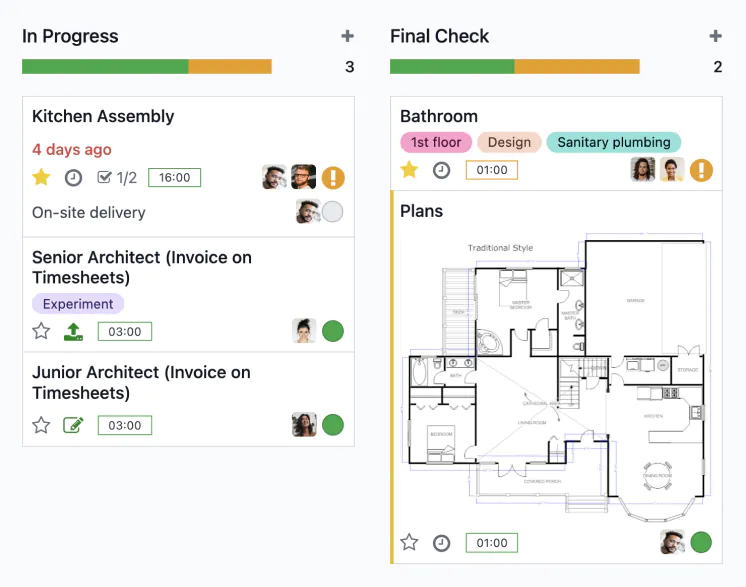
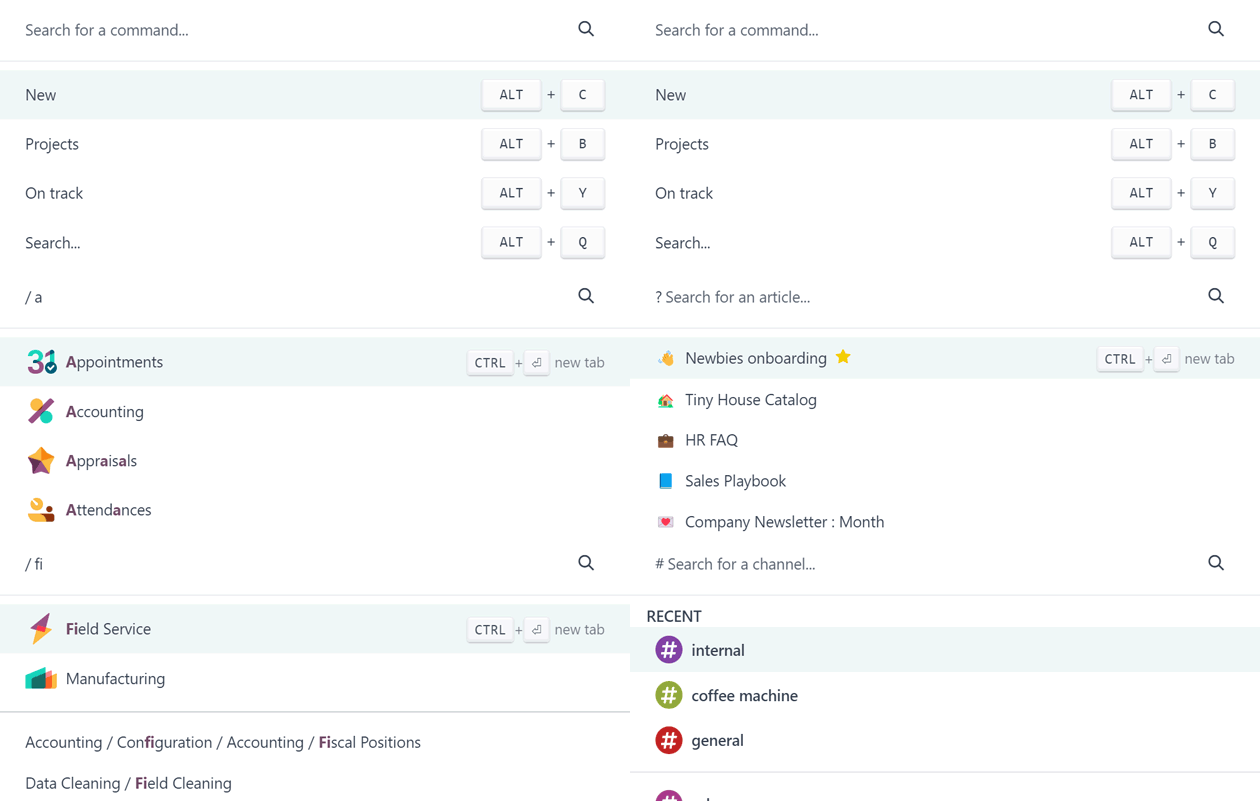
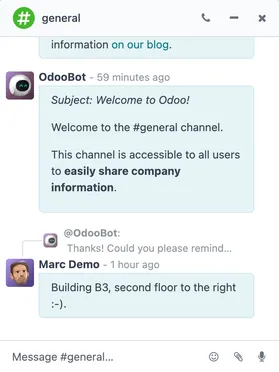
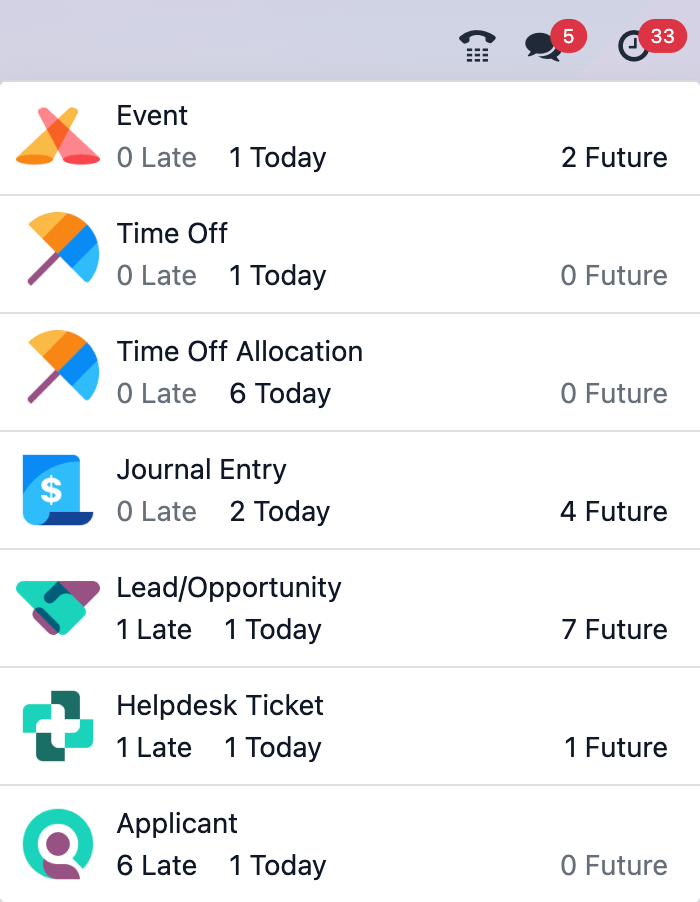
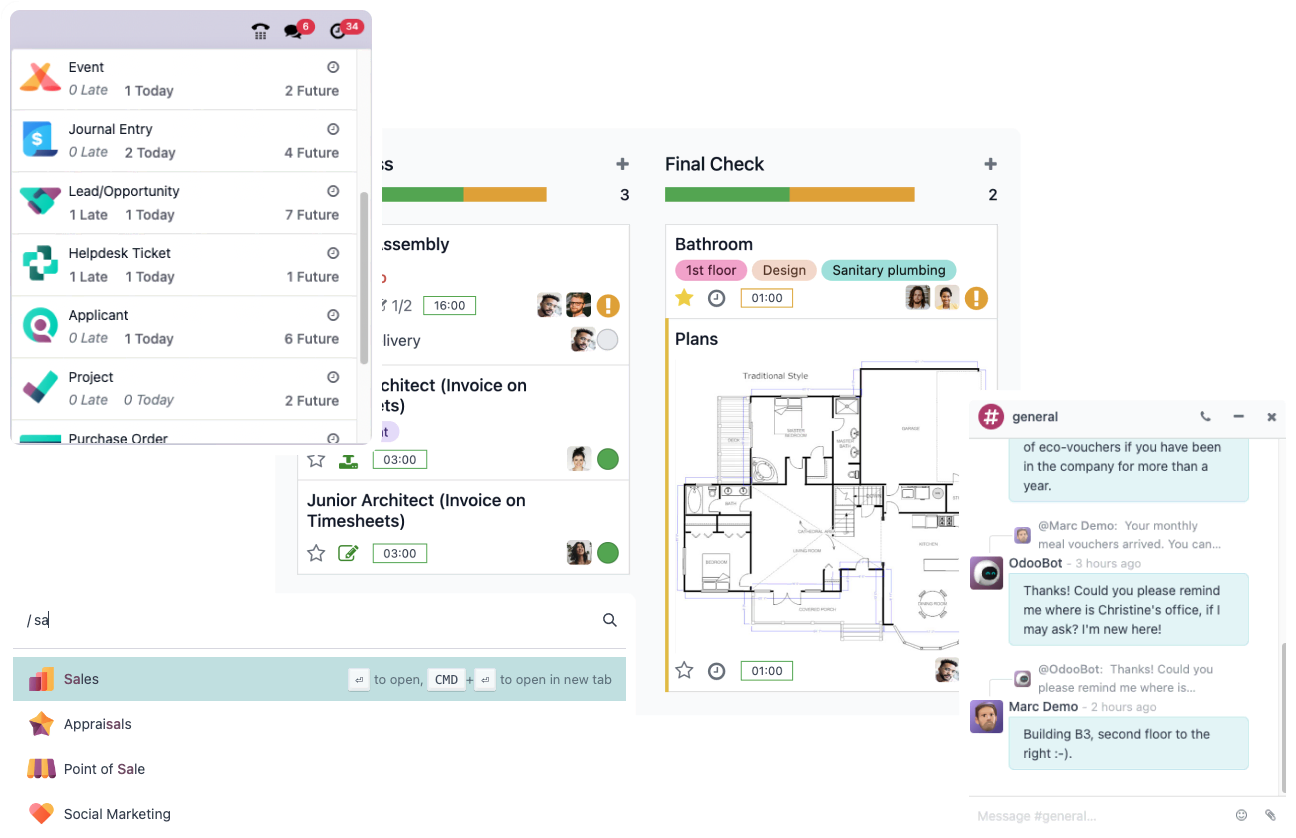
Experience true speed, reduced data entry, smart AI, and a fast UI. All operations are done in less than 90ms - faster than a blink.

 Compare with SAP
All the tech in one platform
Shop Floor
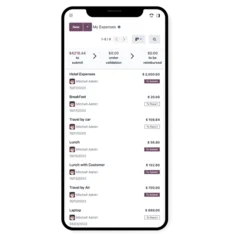
Expenses
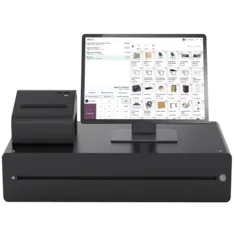
Point of Sale

IoT
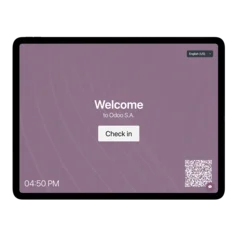
Frontdesk
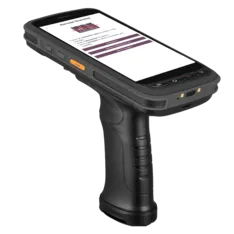
Inventory

Kiosk
Enterprise software
done right.
Open source
Behind the technology is a community of 100k+ developers collaborating worldwide. We're united by the spirit of open source, and a common vision: "to transform companies, empower employees".
Odoo is available in two editions:
• Community: Open Source, 100% free.
• Enterprise: extra apps, infrastructure and professional services.
Highly customizable
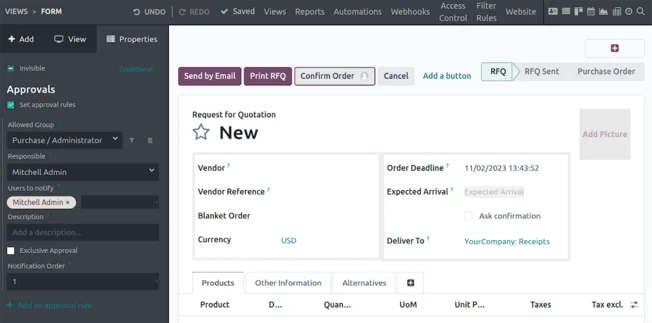
Use Odoo Studio to automate actions, design custom screens, custom reports, or web hooks.
40k+ community apps
Thanks to it's open source development model, Odoo became the world's largest business apps store. Imagine getting an app for every business needs.
Browse Community AppsNo corporate bullsh*t
"With most systems, you get 70% of what you hoped. With Odoo, you get more than what you expected. You, guys, will transform the market." - Anonymous competitor
No vendor lock-in
No proprietary data format, just PostgreSQL: you own your data. No software lock-in: you get the source code, GitHub access, and the flexibility to host on our infrastructure, or on premise.
Follow us on GitHubFair pricing
No usage-based pricing, no feature upselling, no long term contracts, no hosting limits, no surprises... just a single price per user - all inclusive.
View PricingA unique value proposition
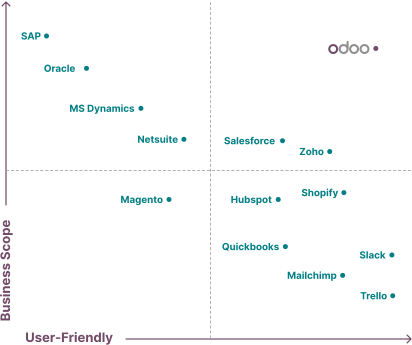

Join 12 million
 happy
users
happy
users
who grow their business with Odoo

The processing time for accounting documents has been noticeably reduced, in certain cases even from 2 days to only 5 hours. As a result we can now focus on what matters: reporting and advising the client.


CEO KPMG Belgium

 No credit card required